A walk through the app
Every screenshot here is taken from the packaged 1.0 build. Nothing is mocked or retouched. More screens are added as they are captured.
Add a folder
The first run asks for one folder. Ignore patterns (folder names,
*.ext) keep the noise out. Your 14-day trial starts here and the welcome tour shows the end date.Watch it read
A document is searchable by keyword the moment it is imported. Meaning-based search, summaries and named entities finish in the background; the Background work pill in the status bar shows what is still owed. Scanned images take longer than digital PDFs, and the status bar says so.
Open a document and check a figure
Key Fields — vendor, date, amount — sit beside the page with a confidence tier on each. Click a number and the source page opens with the passage highlighted. Correct a field and the correction survives rescans.
Teach it once
Fix a vendor name once and DocuAI offers to apply it to every document that mentions the same pattern. Taught rules have their own settings screen with hit counts and one-click undo.
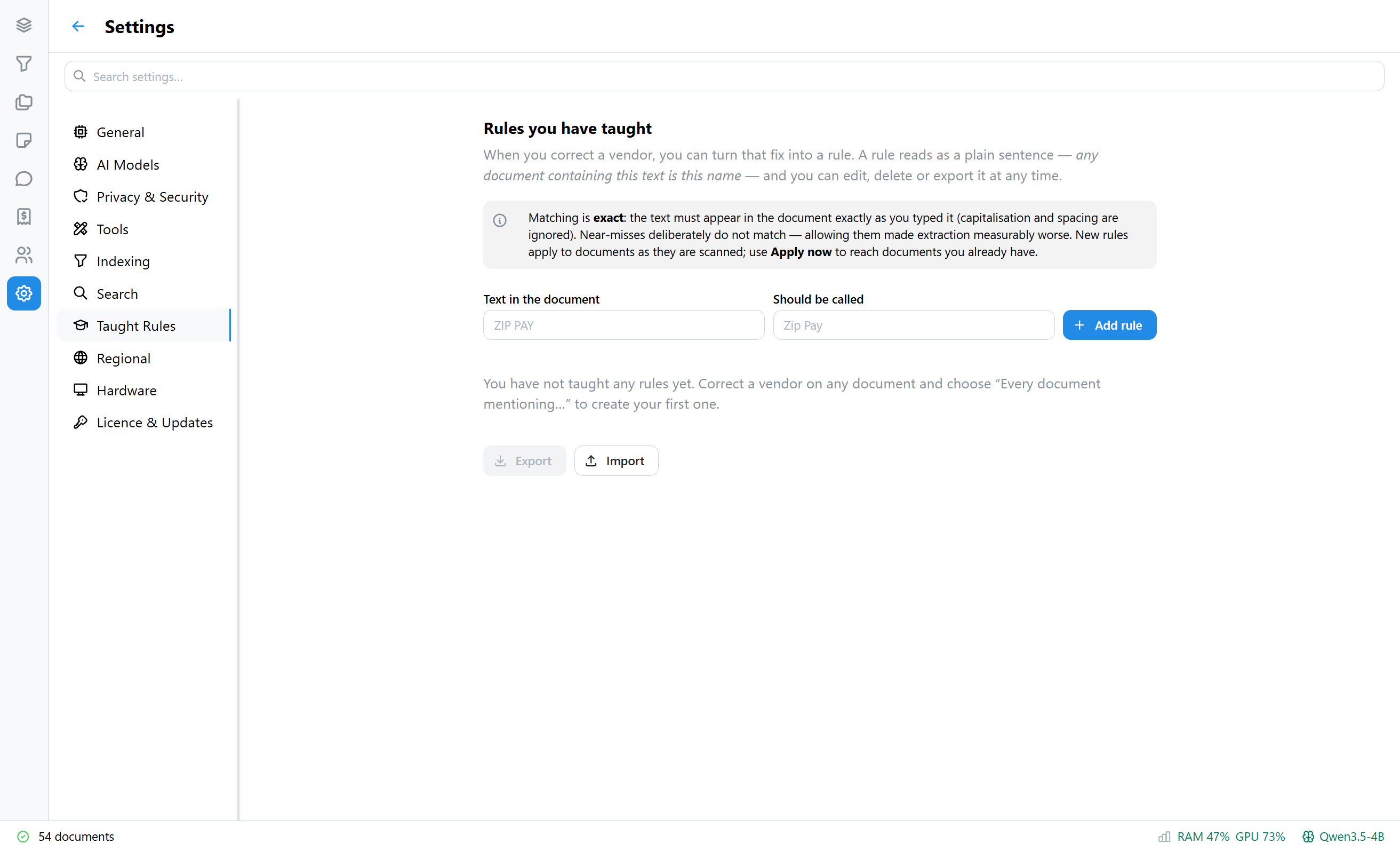
Settings → Taught Rules, before any rule has been taught. Search the whole drive
Keyword and meaning-based search combined, with filters for type, tag, date, amount and entity. Entity chips — organisations, people, places — filter the library in one click.
A statement becomes transactions
Bank statements are parsed into one row per transaction. Filter by vendor, description, amount range, date and debit/credit; sort; export to CSV. This is a paid feature after the trial.
See where the money went
Spend rolls documents or transactions up by vendor, month, type and currency, with vendor names folded so “PAYPAL *SPOTIFY” and “Spotify” count together. Paid after the trial.
Ask a question
“How much have I spent at Bunnings in total?” The assistant calls a database sum, checks its own arithmetic, and cites the documents. Figures it states are verified against those results before they reach you. Paid after the trial.
Export for your accountant
Select documents and export a documents CSV and a transactions CSV from the Library. Backups of the encrypted vault, protected by a passphrase, live in Settings.
Know what your PC is doing
Settings → Hardware shows the graphics card DocuAI found and how it keeps models loaded or unloads them on 6, 8, 12 and 16 GB cards. The status bar shows CPU, RAM, GPU and disk.
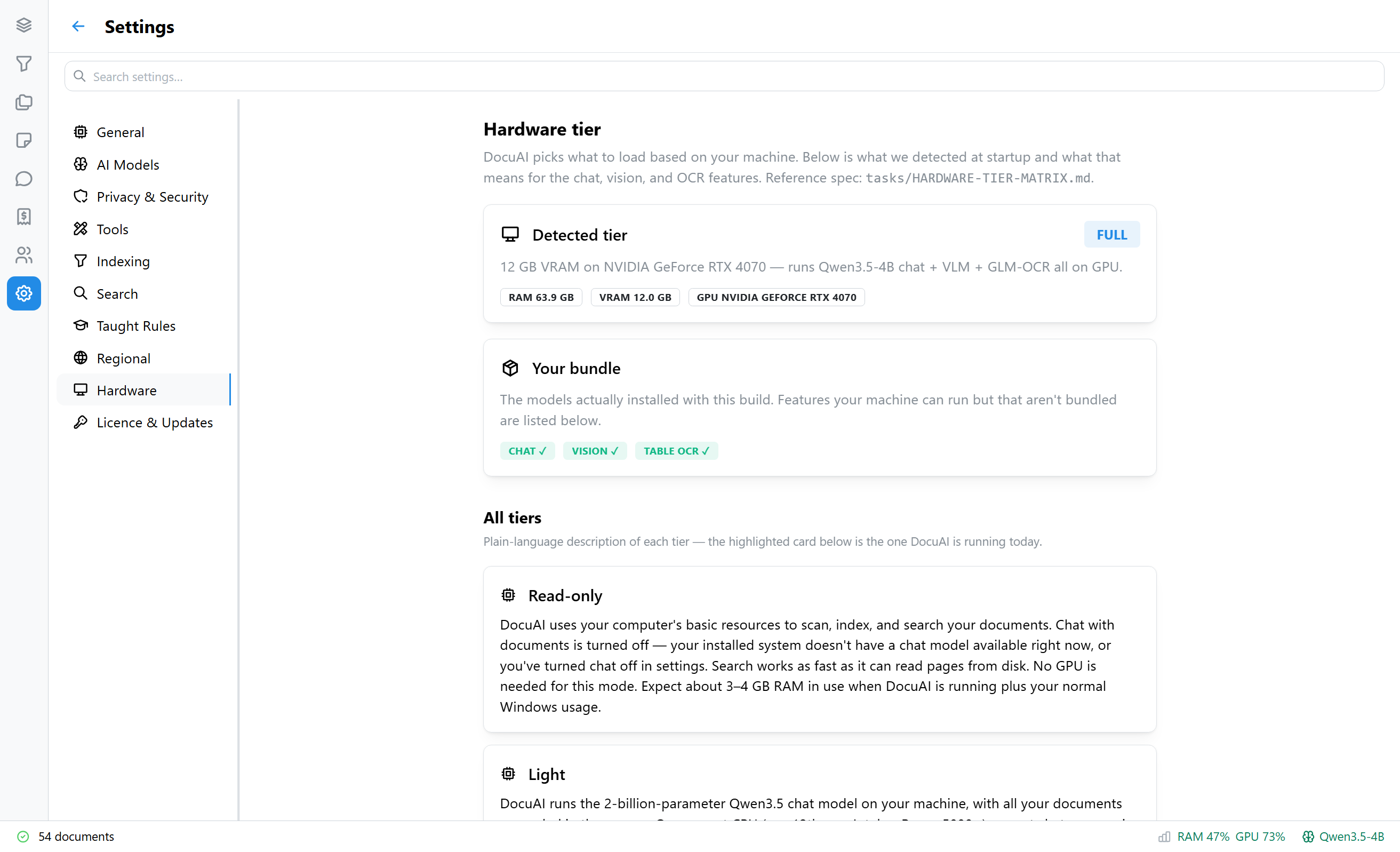
Settings → Hardware.